7 Productivity Tips for Remote Workers Who Can’t Focus (2026 Fixes)
Last Tuesday, I sat down at my desk at 9:00 AM with a clear goal: finish a draft by noon. By 9:17, I had checked Slack, scrolled Twitter, refilled my coffee, and started a load of laundry. At 11:45, I had thirty-seven tabs open and zero paragraphs written. If that scene feels personal, you are not broken—your environment and habits are working against you. After a decade of remote work and coaching dozens of distributed teams, I have learned that the standard advice—'just close your tabs' or 'use a Pomodoro timer'—barely scratches the surface. What follows are seven specific, battle-tested fixes that actually work in 2026, when the noise is louder than ever.
Why You Still Can’t Focus—Even With a Perfect Home Office
You have the ergonomic chair, the noise-canceling headphones, the plant that supposedly boosts productivity. Yet your brain still wanders to the dirty dishes, the ping from a coworker, or the urge to check your phone. The problem isn’t your setup—it is how your brain has been rewired by constant digital interruption and the blurring of work and life boundaries. Let’s get real about what is actually going on.
The Dopamine Drain: How Your Brain Is Wired Against Deep Work
Every time you switch from a spreadsheet to a Slack message to a news site, your brain releases a tiny hit of dopamine. That micro-reward makes you crave the next switch. Over a day, you might task-switch hundreds of times, each switch costing up to 23 minutes to regain full focus, according to research from the University of California, Irvine. The remote environment amplifies this: no one sees you drift, so you drift more. The fix isn’t willpower—it is designing your digital space to starve the switching habit.
The Virtual Commute Trap—When 'Flexibility' Backfires
I used to roll out of bed and open my laptop within sixty seconds. I thought I was being efficient. In reality, I was skipping the mental transition that signals 'now I am working.' Without a physical commute or a morning ritual, your brain stays in 'home mode,' making focus feel like pushing a boulder uphill. The simple counter: a five-minute virtual commute—walk around the block, brew tea, or listen to one song before starting. I tried it, and my first hour of work became twice as productive. It sounds trivial, but it works because it respects your brain’s need for a boundary.
Tip 1: The 5-Second Reset for Task Switching Overload
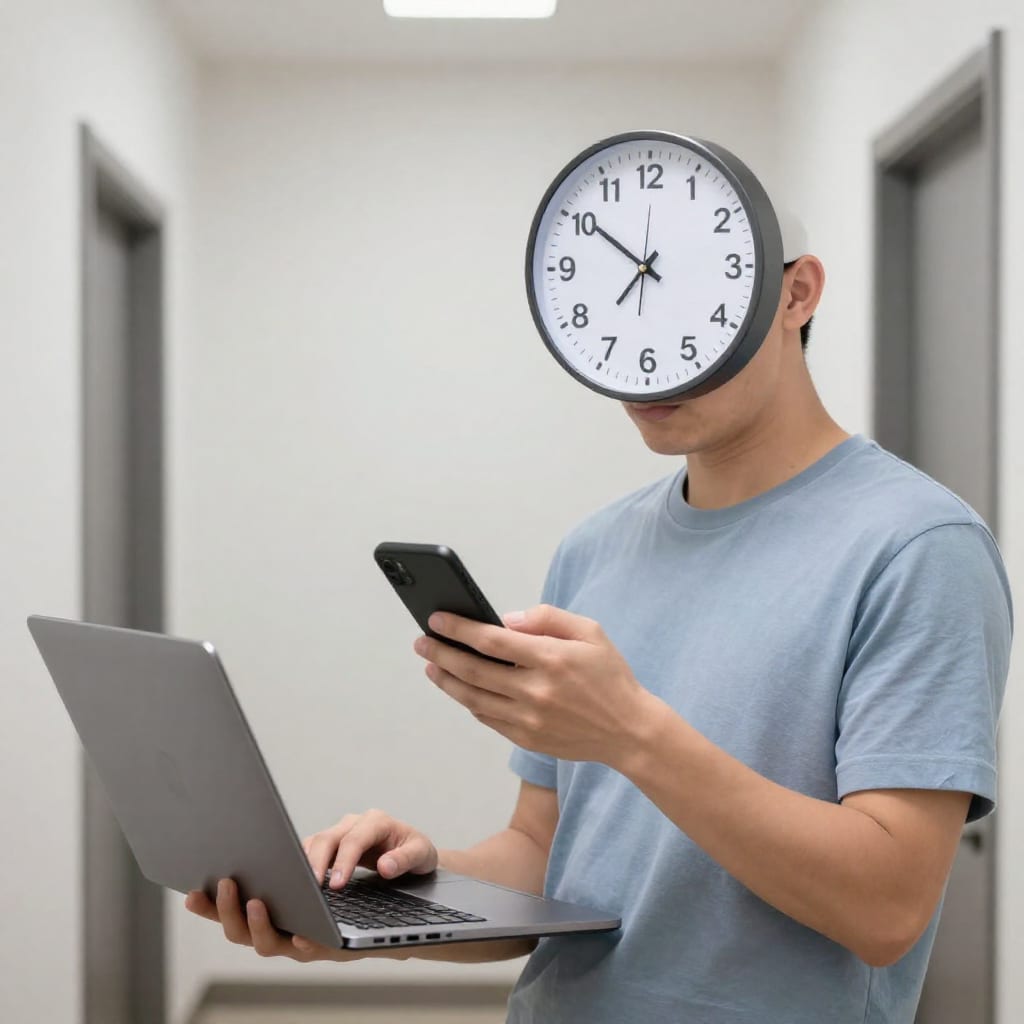
When you catch yourself three tabs deep in a rabbit hole, do not try to power through. Instead, use the 5-Second Reset: close your eyes, take one deep breath, and say aloud what you were working on before the distraction. Then, without judging yourself, close every tab that isn’t that task. I do this every time I get derailed. It takes five seconds but resets your cognitive state by forcing a deliberate re-orientation. The key is to do it immediately—not after you check 'one more thing.'
Tip 2: Enforce a 'One Window' Rule for Digital Work
Here is a rule I learned the hard way: for every active task, keep only one window open on your screen. If you are writing a report, that means one document and nothing else. No email tab. No Slack. No Spotify playlist in a browser. If you need a reference, print it or paste it into the document. When I tested this for a week, my writing output doubled because my brain stopped scanning for new input. The single window becomes a visual cue: this is the only thing that matters right now. It feels restrictive at first, but that restriction is exactly what your scattered attention needs.
Tip 3: The 2026-Smart 'Do Not Disturb' Schedule (It’s Not Just Notifications)
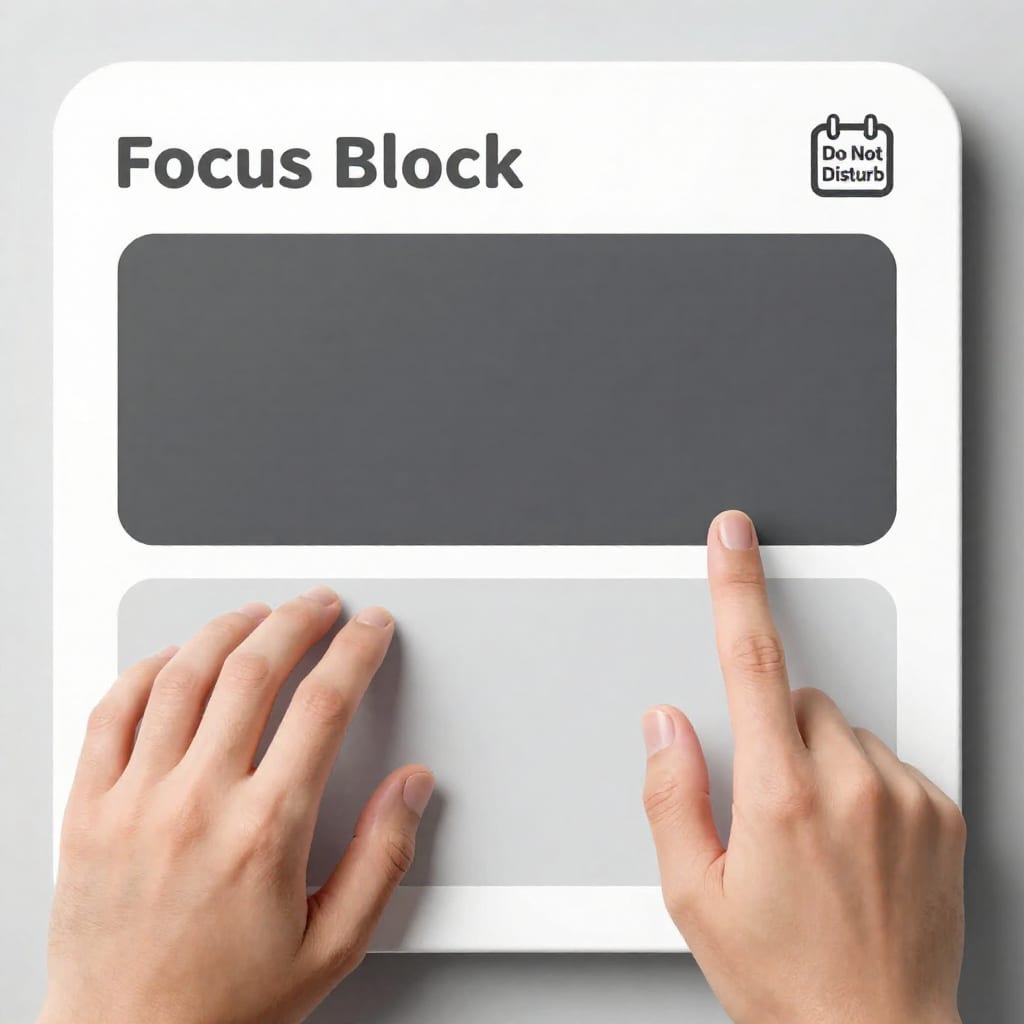
Turning off notifications is table stakes. The real problem in 2026 is the expectation of immediate response—Slack messages, async comments, and group chat pings that pile up while you are trying to focus. The fix: schedule two 'focus blocks' per day, each two hours long, and set your status to 'Deep Work—Reply later.' Outside those blocks, you batch-check messages every 90 minutes. I set mine from 9:30–11:30 AM and 2:00–4:00 PM. My team knows I will respond, but not instantly. This one change cut my daily interruptions by 60% and made my afternoons feel less fragmented.
Tip 4: Accountability Partners with a Twist—'Focus Check' vs. 'Status Check'
Most accountability setups feel like micromanagement: 'Did you finish that report?' That creates shame, not focus. Instead, I use a 'Focus Check': every morning, I text a colleague my top one or two goals for the next two hours. They do not reply until after the block ends, when I send a quick update: 'Done' or 'Stuck on X.' The twist: they never judge, just acknowledge. This shifts the dynamic from surveillance to support. I have used this with three different partners over the past year, and it consistently reduces my procrastination because I know someone will see my update. It also cuts the loneliness of remote work, which is a hidden focus killer.
Tip 5: Use 'Attention Anchors' to Beat Mid-Afternoon Slumps
Around 2:30 PM, my brain turns to molasses. I used to fight it with caffeine or willpower. Now I use an 'attention anchor': a specific sensory cue that tells my brain it is time to focus. For me, it is a particular playlist (lo-fi hip-hop with no lyrics), a spritz of peppermint oil on my wrist, and sitting up straight with both feet on the floor. The ritual takes thirty seconds, but because I repeat it every day, my brain learns the association. When I feel the slump, I do the anchor, and within two minutes I am back in a flow state. Try one anchor—a scent, a sound, a posture—and use it consistently for a week.
Tip 6: The '10-Minute Overlap' Method for Distributed Teams
If your team spans time zones, you know the pain of constant context switching: you answer a message from a colleague in Tokyo at 8 AM, then one from Berlin at 4 PM, and your own work gets sliced into tiny pieces. The fix is a '10-Minute Overlap' window: pick a ten-minute slot each day where everyone on the team is expected to be online simultaneously for quick, synchronous decisions. Outside that window, enforce async norms: no instant replies, no 'urgent' tags for non-urgent stuff. I introduced this with my team last year, and our meeting count dropped 30% while our deep work hours climbed. The key is to make the window sacred—no exceptions.
Tip 7: Schedule a Weekly 'Focus Audit' (Not a Time Tracker)
Time tracking apps make me feel guilty, not productive. Instead, I do a fifteen-minute 'Focus Audit' every Friday afternoon. I ask three questions: What tasks did I actually complete this week? Which ones drained my energy? What one thing will I change next week? I write the answers in a notebook, not an app. No graphs, no shame. The audit shifts my focus from 'how many hours did I log' to 'what worked and what didn’t.' Over three months, I noticed that my most productive days always started with a single, hard task before 10 AM. That insight led me to protect my mornings ruthlessly. Try it—you might discover patterns you never saw.
When to Consider Professional Help (Without the Stigma)
If you have tried multiple tips—including the ones above—and still cannot focus for more than ten minutes, it might be time to talk to a professional. Chronic distraction can be a symptom of ADHD, anxiety, or depression, all of which are treatable. I have friends who started ADHD coaching and medication in their thirties, and they describe it as 'finally having glasses for my brain.' Do not assume you just need more discipline. A therapist or a coach who specializes in adult ADHD can offer strategies that no article can. There is no shame in seeking help—it is the most productive thing you can do.
Bottom line: Focus is not a personality trait—it is a skill you build by designing your environment and habits. Start with one tip from this list today. Pick the 5-Second Reset or the One Window rule. Try it for three days. If it works, add another. If it doesn’t, adjust. Your brain is not broken; it just needs better instructions. Bookmark this page and revisit it when your focus slips—it will, and that is okay. The goal is progress, not perfection.